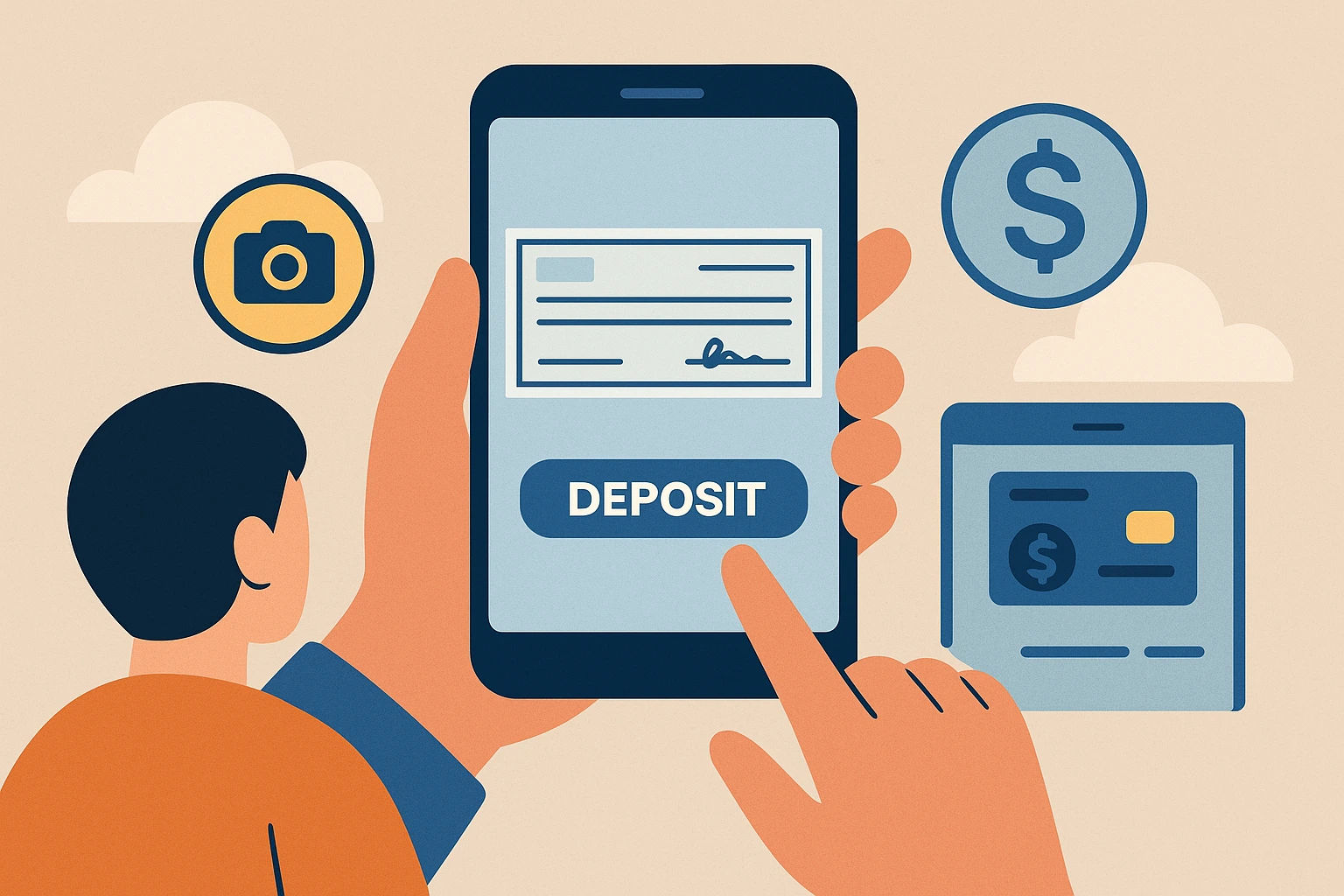
Online check cashing (often done through mobile check deposit) lets you turn a paper check into usable money without visiting a store. Depending on the app, you may be able to cash payroll or government checks in minutes, send the money to PayPal, load it to a prepaid card, or deposit it into your bank account.
Quick answer: The most common online check cashing options include Ingo Money, PayPal, Chime, and prepaid card providers like Netspend. Fast access usually costs a fee, while standard deposits may be free but take longer.
If you need in-person options, start here: check cashing near me. If you want fast funding, compare methods here: how to cash a check instantly. For a broader overview, see: comprehensive guide to check cashing.
Disclaimer: App availability, eligibility, fees, limits, and approval times vary by provider and may change. Always review your app’s terms before submitting a check.
What Is Online Check Cashing?
Online check cashing typically means using a mobile app to take photos of the front and back of your check and submit it for review. If approved, the funds are deposited to a connected account, digital wallet, or prepaid card.
Some apps call this “mobile check deposit,” but the end result is similar: you can access your money without going to a bank branch or check cashing store.
Best Online Check Cashing Apps and Services
Below are common online check cashing options people use. Approval speed, fees, and where you can send the money are what matter most.
1) Ingo Money
Ingo Money is one of the best-known services for online check cashing. It often supports faster funding (for a fee) and can deliver money to a bank account, prepaid card, or supported wallet integrations depending on eligibility.
2) PayPal
PayPal allows eligible users to cash checks using its mobile deposit feature and receive funds in their PayPal balance. Learn more here: PayPal check cashing.
3) Chime
Chime offers mobile check deposit for eligible accounts. Availability and deposit timing can depend on account history and the check type. See: Chime check cashing.
4) Prepaid debit card providers (example: Netspend)
Many prepaid card providers offer a way to submit checks and load funds onto your card. This can be useful if you do not have a traditional bank account, but fees and timing vary by provider.
5) Retail-linked options and kiosks
Some retailers and services offer check loading to prepaid cards or digital accounts rather than handing you cash. If you prefer in-person funding, compare: 7-Eleven check cashing, Walmart check cashing, and CVS check cashing.
What Check Types Can You Cash Online?
Online acceptance depends on the app, but these are the most common categories:
- Payroll checks (often easiest to approve)
- Government checks (often eligible, sometimes with specific rules)
- Tax refund checks (may require extra review)
- Insurance checks (approval varies)
- Personal checks (most restrictive; may be declined or limited)
Important: Many apps decline checks that are damaged, altered, stale-dated, hard to verify, or associated with high fraud risk. Personal checks and two-party/third-party checks are often the hardest to cash online.
If you are unsure what you have, see: check cashing by check type and foreign check cashing.
Fees, Limits, and How Long It Takes
Online check cashing usually comes down to a tradeoff: speed vs. cost.
| Deposit Speed | What It Usually Means | Typical Cost |
|---|---|---|
| Instant / minutes | Fast funding to your account, wallet, or card if approved | Usually a fee (often higher) |
| Same day / next day | Faster than standard banking, but still involves review | Sometimes a small fee |
| Standard (1–5 business days) | Lower-risk processing window | Often free or lowest cost |
Limits vary by app and can depend on your account history, check type, and verification results. For a deeper breakdown, see: check cashing fees explained.
How to Cash a Check Online
Most services follow the same general steps:
- Choose an app that supports your check type and payout method (bank, wallet, prepaid card).
- Create your account and complete identity verification (ID, SSN, or other info depending on the provider).
- Endorse your check (some apps require specific wording like “For mobile deposit only”).
- Take clear photos of the front and back (good lighting, no shadows, all corners visible).
- Submit the check and choose your funding speed (instant vs. standard).
- Keep the paper check for at least 14 days (or your app’s recommended timeframe) in case of a dispute.
Need help endorsing? Use: how to endorse a check.
Security Tips for Online Check Cashing
Online check cashing can be safe when you use reputable services and follow basic security practices:
- Use trusted apps (avoid unknown “instant cash” apps with poor reviews or unclear terms).
- Avoid public Wi-Fi when uploading checks (use mobile data or a secure home network).
- Enable two-factor authentication on your account.
- Use strong passwords and do not reuse credentials across apps.
- Watch for scams (fake support numbers, phishing links, “advance fee” offers).
What to Do If Your Online Check Is Declined
If an app declines your check, it does not always mean the check is bad. Common issues include verification failures, image quality, check type restrictions, or account eligibility.
- Retake photos in better lighting and ensure all corners are visible.
- Confirm the check type is supported (personal checks are often restricted).
- Try standard funding instead of instant (some checks only qualify for standard processing).
- Use an in-person option if you need cash today: check cashing near me.
- Compare alternatives: alternatives to check cashing.
Online Check Cashing FAQs
How long does online check cashing take?
Some apps offer instant or near-instant funding for eligible checks (usually for a fee). Standard deposits can take 1–5 business days depending on the provider and check type.
Can I cash a personal check online?
Sometimes, but personal checks are often limited or declined by online services. Payroll and government checks are typically easier to approve.
Is online check cashing safe?
It can be safe when you use reputable services, avoid public Wi-Fi, enable two-factor authentication, and follow your app’s verification steps.
Do I need a bank account?
Not always. Some apps can deliver funds to a prepaid card or wallet balance. Others require a linked bank account.
Related Reading
- Guide to mobile check cashing apps
- How to cash a check instantly
- PayPal check cashing
- Cash App check cashing
- Chime check cashing
Bottom Line
Online check cashing is one of the easiest ways to access your money without visiting a store. The best option depends on your check type, how fast you need the funds, and whether you prefer a bank deposit, wallet balance, or prepaid card. Use trusted apps, understand the fee for instant funding, and follow basic security practices to cash checks online safely.